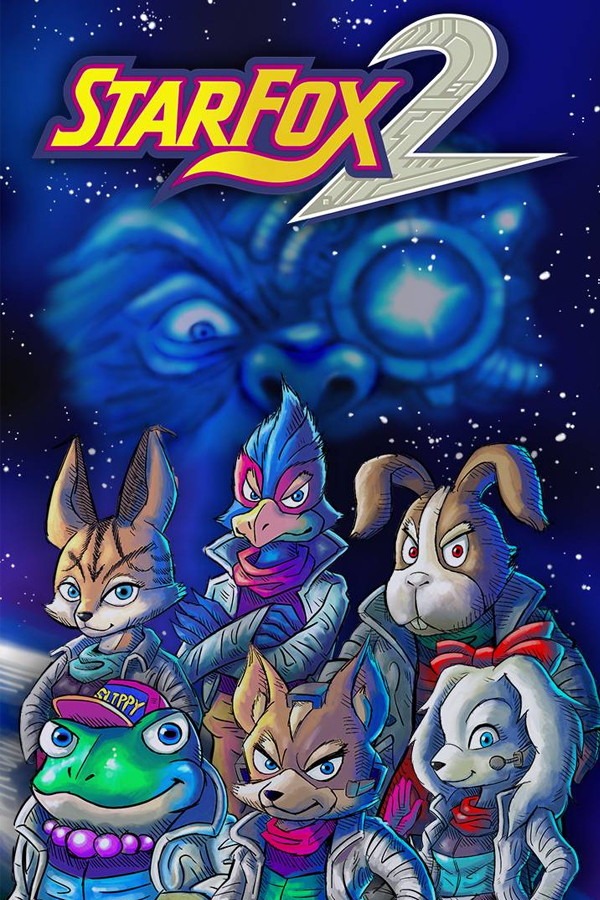
SNES
Super Nintendo
Star Fox 2 (Arwing)
Project Arwing 2
SourceGitHub ↗
RequiresStar Fox 2 (SNES Classic / Mini),
.sfc, SHA-1 1135a2a6cb786ac7523e81dd553dc81aaa266f51PlatformsWindowsLinuxmacOS
A static recompilation of Star Fox 2 with quality-of-life additions: HD 3D up to 4x, CRT and scaling filters, a smooth frame-rate mode, save states and pad support. The 65816 and SuperFX code are recompiled to C, with an interpreter as the fallback for code the recompiler missed.
¶ Compatibility
- Dumps: Star Fox 2 from the SNES Classic / Mini, SHA-1
1135a2a6cb786ac7523e81dd553dc81aaa266f51,.sfc. A 512-byte copier header is fine. The 1995 prototypes do not work. - Upstream: Public repository and releases, MIT for the tools, runtime and installer. No game data ships; you supply the ROM.
- Builds: Windows x64, Linux x86_64 and arm64, macOS 11+ on Intel and Apple Silicon.
- Status: Version 1.0, published 2026-10-10.
¶ Rating
🥈 Silver. Upstream reports the intro, title, menus, map and missions as playable, with 99.7 percent of CPU and 100 percent of SuperFX dispatches recompiled and matching the interpreter over 20,000 frames. It is not a full-playthrough verification, audio was checked only by levels and spectrogram, and HD 3D recovers sub-pixel positions for roughly 66 to 90 percent of vertices. Provisional.
¶ Notes
- The installer asks for the ROM once and keeps a copy with the settings and saves. The installer verifies the ROM against the accepted SHA-1.
- Video: HD 3D off, 2x, 3x or 4x redraws polygons at higher resolution while sprites stay 1x. Filters are Sharp, Smooth, Scale4x or CRT with grille, shadow, slot mask, scanlines, glow and curvature. Aspect options are 4:3, 8:7, 16:9 fill and 16:9 stretch; there is no true widescreen because the 3D view is a fixed-width bitmap.
- Frame rate: Original, or Smooth, which removes slow frames and interpolates battles to 60 fps. Cutscenes, the map and menus keep their original timing so they stay in sync with the music.
- Sound: Accurate, with the SNES filter, or Hi-res at 48 kHz.
- Input: Xbox, DualShock 4 and DualSense, Switch Pro over Bluetooth and most USB pads, hot-plugged, all remappable. F2 and F4 save and load state, F3 changes slot, Tab fast-forwards, P pauses, F11 or Alt+Enter toggles fullscreen and F12 takes a screenshot. Esc, Home or Select+Start opens the setup menu.
- Licence: MIT for the tools, runtime and installer. The
asm/disassembly is Nintendo's code and is not covered.